CloudSigma Review 2026: Pricing, Features and Verdict
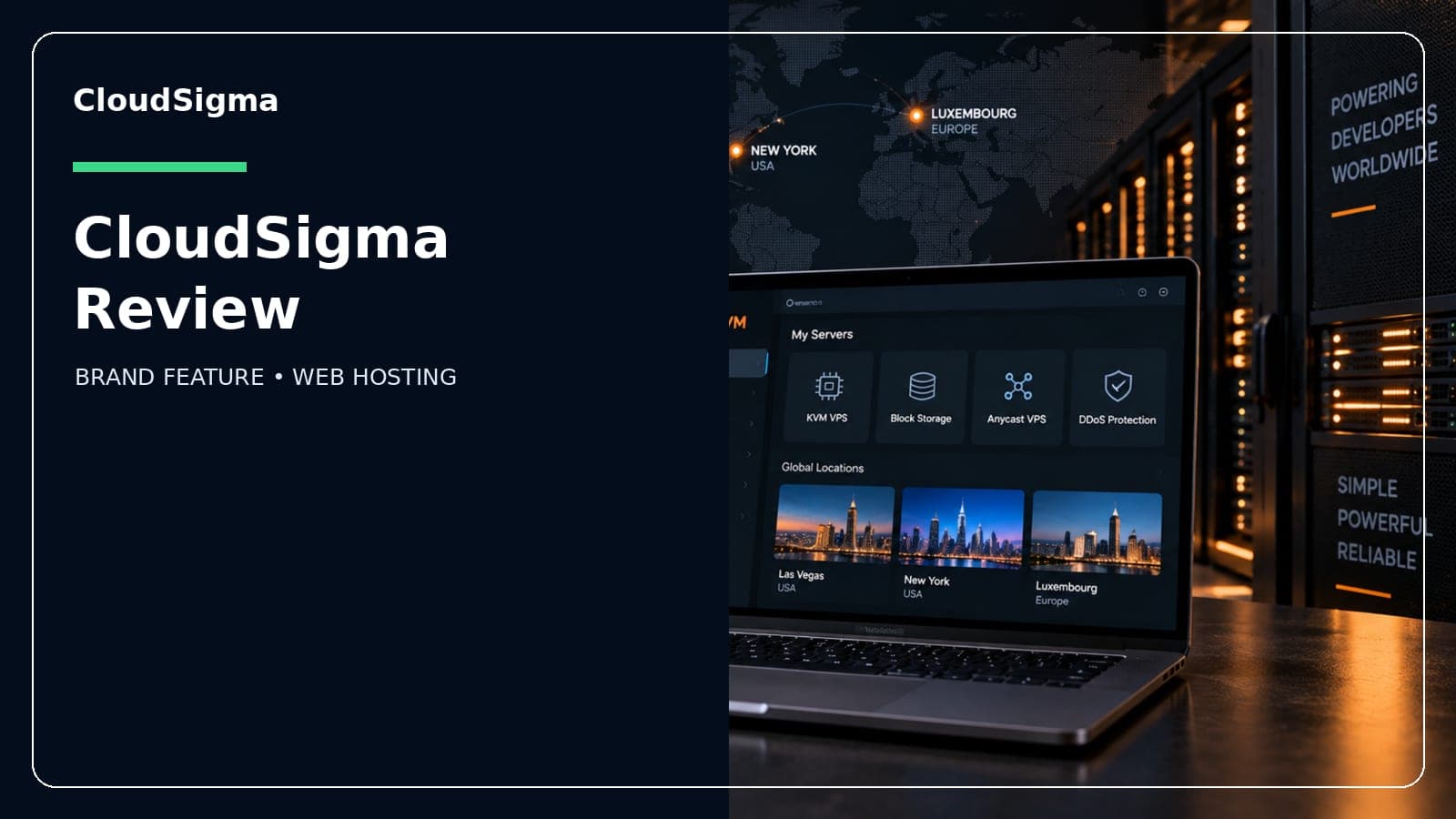
This review is researched from each provider's official pricing, plans and public user feedback — see our editorial process for how we keep it accurate.
Is CloudSigma good hosting?
CloudSigma is a solid pick if you want raw cloud infrastructure you configure yourself — CPU, RAM and storage set independently, billed by the resource. It's not good hosting for beginners who want a one-click website builder or bundled control panel, since neither is included by default.
| Detail | CloudSigma |
|---|---|
| Starting price | ~$14/month (configuration-dependent) |
| Typical range | $14–$677/month |
| Billing model | Pay-per-resource (subscription or burst) |
| Uptime SLA | 100%, with time credits for outages over 15 minutes |
| Free trial | ~7 days (confirm current terms) |
| Best for | Developers, agencies, custom infrastructure |
What CloudSigma actually is
CloudSigma is a Swiss-founded cloud infrastructure-as-a-service (IaaS) provider. It doesn't sell shared hosting plans or WordPress-optimized tiers the way consumer hosts do. Instead, every server is built resource by resource: you pick the number of CPU cores, the amount of RAM, and the SSD storage size independently, rather than choosing from a fixed list of "small/medium/large" VM bundles.
That structure makes CloudSigma closer to a boutique alternative to AWS EC2 or Google Compute Engine than to a Hostinger or Bluehost. It's aimed at developers, agencies and businesses running specific workloads — a database server that needs heavy RAM but light CPU, for instance — rather than someone launching a first blog.
Data centers are spread across a wide international network, including locations in Switzerland, other parts of Europe, North America and Asia, which is useful if data residency or latency to a specific region matters for your project.
Pricing breakdown
CloudSigma bills per resource rather than per bundled plan. CPU, RAM, storage and bandwidth are each metered and charged separately, either as a prepaid subscription (with volume-style discounts for longer commitments) or as pay-as-you-go "burst" usage charged in short cycles once you exceed what you've subscribed to.
- Entry-level configurations start around $14/month; fully specced servers can run into the hundreds depending on CPU/RAM/storage chosen — published figures put the range around $14 to $677/month.
- Annual commitments carry a reported subscription discount (roughly 10%), with steeper discounts for multi-year terms.
- Burst pricing applies when usage exceeds your subscribed capacity — useful for handling spikes without over-provisioning permanently, but it means your bill isn't perfectly fixed month to month if traffic or load varies.
Pricing was accurate as of September 2026 and can change — always check CloudSigma's current pricing page before committing, since utility-billed infrastructure shifts more often than flat hosting plans.
The no-control-panel reality
This is the detail that catches people off guard: CloudSigma does not bundle cPanel, hPanel, Plesk or any consumer-style dashboard by default. Server management runs through CloudSigma's own web console and a documented API. That's a feature if you're comfortable scripting deployments and want full control — it's a real obstacle if you were expecting to point-and-click install WordPress the way you would on shared hosting.
If your workflow depends on a familiar cPanel-style interface, budget time to either install one yourself on top of a CloudSigma instance or look at a host that bundles a panel out of the box.
Which plan should you choose
- Choose a minimal CPU/RAM/storage build if you're running a single lightweight application, API, or test environment and want to keep costs near the $14–$30/month range.
- Choose a RAM-heavy configuration if you're running a database, cache layer, or memory-intensive service — CloudSigma's per-resource billing lets you scale RAM without paying for CPU you don't need.
- Choose a higher-CPU build with burst headroom if your workload has unpredictable traffic spikes — burst billing covers overflow without requiring you to permanently provision for peak load.
- Look elsewhere if you want a bundled control panel, one-click app installs, or predictable flat monthly pricing regardless of usage.
Pros and cons
| Pros | Cons |
|---|---|
| CPU/RAM/storage configured independently | No bundled control panel by default |
| Pay only for resources actually used | Usage-based billing means less predictable bills |
| 100% uptime SLA with downtime credits | Not beginner-friendly |
| Wide international data center footprint | Small public review presence (limited Trustpilot volume) |
| Subscription discounts for longer commitments | No shared hosting or domain registration |
Support
CloudSigma offers 24/7 live chat and email support according to independent reviews. There's no phone-first, hand-holding support model here — it's oriented toward technical users who can describe an infrastructure issue precisely, which fits the platform's developer-focused positioning.
Migration
Moving an existing site or application onto CloudSigma means provisioning a server yourself (choosing CPU, RAM, storage, and OS image) and handling the migration manually or via your own scripts/API calls — there's no built-in one-click site migration tool aimed at non-technical users. Teams already comfortable with infrastructure-as-code or manual server setup will find this straightforward; anyone coming from shared hosting should expect a steeper first migration.
Where CloudSigma is a strong fit
- Developers and agencies who want to size infrastructure precisely instead of over-paying for bundled VM tiers.
- Workloads with an unusual CPU-to-RAM ratio that standard cloud VM sizes don't fit well.
- Projects that need a specific European (Swiss) data residency option alongside broader global locations.
- Teams comfortable managing servers via API/console rather than a GUI control panel.
Where to think twice
- First-time website owners wanting a simple, guided setup.
- Anyone expecting a bundled cPanel/hPanel-style dashboard.
- Budgets that need a fixed, predictable monthly bill rather than usage-based charges.
- Projects wanting built-in one-click app installers or a website builder.
Verdict
CloudSigma delivers on a specific promise: pay for exactly the CPU, RAM and storage you configure, with a 100% uptime SLA and a genuinely international footprint of data centers. That's valuable for developers who know what they need and don't want to pay for a bundled VM tier that's oversized in one dimension and undersized in another. It's a poor fit if you want a beginner-friendly panel, one-click installs, or fully flat pricing — this is infrastructure for people who are comfortable configuring it themselves. Check current CloudSigma coupon page offers before signing up, and compare against other options on our Web hosting deals page.
FAQs
Does CloudSigma include a control panel?
No — there's no bundled cPanel, hPanel or Plesk-style dashboard by default. Management happens through CloudSigma's own web console and API.
How does CloudSigma pricing work?
CPU, RAM, storage and bandwidth are billed separately and metered by actual usage, either as a prepaid subscription or as pay-as-you-go burst charges once you exceed your subscribed capacity.
Is there a free trial?
CloudSigma has offered a trial period (around 7 days in independent reviews) — confirm the current length and terms directly on CloudSigma's site before signing up.
What's CloudSigma's uptime guarantee?
CloudSigma publishes a 100% uptime SLA, with time credits issued for outages that exceed 15 minutes.
Where are CloudSigma's data centers located?
CloudSigma operates a broad international network of data centers spanning Switzerland and other parts of Europe, North America, and Asia.
Is CloudSigma good for beginners?
Not really — there's no shared hosting, no domain registration, and no bundled control panel, so it suits developers and technically comfortable users more than first-time site owners.
Does CloudSigma offer support?
Yes, 24/7 live chat and email support are available according to independent reviews, oriented toward technical questions rather than beginner hand-holding.
How does CloudSigma compare to AWS or Google Cloud?
CloudSigma occupies a similar per-resource billing niche but as a smaller, more boutique European provider — it can suit projects wanting Swiss/European data residency or a simpler pricing model than hyperscaler cloud consoles, though it lacks the breadth of managed services the hyperscalers offer.