Emojis.sh Review 2026: Pricing, Features and Verdict
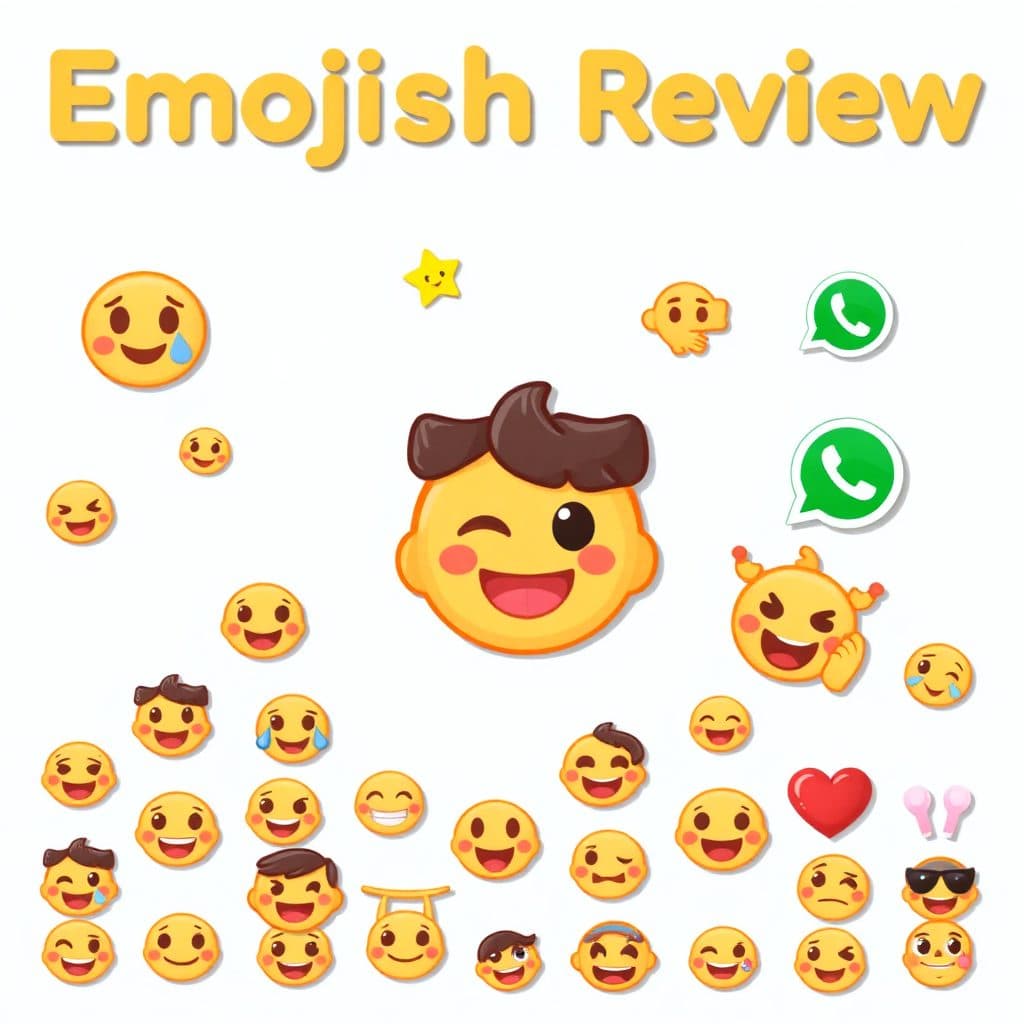
This review is researched from each provider's official pricing, plans and public user feedback — see our editorial process for how we keep it accurate.
Is Emojis.sh worth using in 2026?
Emojis.sh (the product has since moved to emojis.com, though the .sh link still redirects there) is a browser-based AI emoji and sticker generator built for Slack, Discord and WhatsApp communities. It's a genuinely fast way to turn a text prompt or a reference photo into a usable custom emoji, but the free tier is generation-limited, there's no team/API plan, and it's a single-purpose tool rather than a broader design suite.
At a glance
| Starting price | Free (limited anonymous generations; sign-in required to save and go unlimited) |
| Paid plans from | $9.95/month, or $96.95/year (about $8.08/month) |
| Free tier/trial | Yes — no credit card required to try it |
| Best for | Quick custom emoji/sticker creation for Slack, Discord and WhatsApp |
| Standout feature | One-click generation from either a text prompt or an uploaded reference photo, exported ready for Discord/Slack emoji slots |
Note: the tool's original domain, emojis.sh, now permanently redirects to emojis.com — same product, same team, just a domain change. If you bookmarked the .sh address, it still gets you to the right place.
What Emojis.sh actually is
Emojis.sh is a single-purpose web app: describe an emoji in plain language ("a grumpy cat holding coffee," "a rocket ship giving a thumbs up") and it generates a small set of image options styled to look and read like a native emoji, not a full illustration. You can also upload a reference photo — a selfie, a pet photo, a logo — and have the tool turn it into an emoji-style rendering rather than starting from a blank prompt.
The site doesn't publish which underlying image model it runs on, so that's a detail to treat as unconfirmed rather than assume. What is confirmed from the product itself is the workflow: generate, refine through a short chat-style follow-up (ask for a color change, a different expression, a simplified background), then save or export.
Beyond one-off emoji generation, the platform also includes an emoji pack system (grouping several emojis into a themed set you can browse, favorite, or install) and a companion WhatsApp sticker maker, since WhatsApp doesn't support custom emoji the way Slack and Discord do — it needs a sticker pack format instead.
Pricing
Emojis.sh runs on a straightforward freemium model: a generation-limited free tier and a single paid subscription tier, billed monthly or annually through Stripe.
| Plan | Price | What you get |
|---|---|---|
| Free | $0 | Limited emoji generations without an account; creating a free account unlocks saving emojis and access across devices |
| Pro (monthly) | $9.95/month | Higher/unlimited generation volume, saved history, and access to commercial-use licensing for generated emojis |
| Pro (yearly) | $96.95/year (~$8.08/month) | Same Pro features as monthly, billed annually at roughly a 19% discount over the monthly rate |
The site also treats a commercial license as its own concept separate from the base Pro subscription — worth checking on the pricing page directly if you plan to use generated emojis in paid client work or merchandise, since exactly which tier unlocks that license isn't something to assume without confirming it at checkout.
Pricing, free-tier limits, and feature availability shown here were accurate as of this post's publish date (September 2026) and can change — AI tool pricing moves fast, so confirm current numbers on the official pricing page before subscribing.
There's no team plan, no seat-based pricing, and no publicly listed API tier, which sets it apart from broader AI image tools that bolt on enterprise pricing once they gain traction. For a tool this narrowly scoped, that's arguably the right call.
Core features walkthrough
Prompt-to-emoji generation. The primary flow: type what you want, get back a small batch of emoji-styled options to pick from. It's built to output something that already looks like an emoji — flat, simplified, small-canvas-friendly — rather than a photorealistic image you'd need to crop and simplify yourself.
Reference-photo emojis. Upload an image and the tool generates an emoji-style version of it. This is the feature most likely to get real use inside a Slack workspace — turning a coworker's headshot or a team mascot photo into a recurring reaction emoji.
Chat-based refinement. Rather than re-writing your whole prompt from scratch to get a variation, you can follow up conversationally ("make the background transparent," "give it sunglasses") and iterate on the same generation. This is a meaningfully faster loop than most single-shot AI image generators.
Emoji packs and a public gallery. Generated emojis can be grouped into packs, and the platform has a social layer — public packs you can browse, favorite, and install, plus the ability to follow other creators. If you don't want to design anything yourself, browsing existing public packs for something close enough is a legitimate shortcut.
Discord/Slack-ready export and a separate WhatsApp sticker maker. Output is sized and formatted to drop directly into a Discord server's or Slack workspace's custom emoji upload flow. WhatsApp doesn't support arbitrary custom emoji the same way, so the platform ships a dedicated sticker-pack tool for that use case instead of forcing a workaround.
Who it's actually for
- Community/Discord server admins who want a handful of on-brand custom emoji without opening Photoshop or hiring a designer — the free tier alone may cover occasional one-off requests.
- Remote teams on Slack who want inside-joke or teammate-face reaction emoji — the Pro plan's higher generation volume and saved history make sense once you're doing this regularly rather than once a quarter.
- Small brands/creators making WhatsApp sticker packs for a community or fan base, where the dedicated sticker-maker tool is the more relevant half of the product.
- Not a fit for anyone needing bulk/API-driven emoji generation, a design team workflow with version control, or enterprise procurement — none of that exists here as of this writing.
Pros and cons
| Pros | Cons |
|---|---|
| Free tier with no credit card needed to try it | No published API or bulk-generation option |
| Fast prompt-to-emoji and photo-to-emoji workflows | Underlying AI model isn't publicly disclosed |
| Chat-style follow-up makes iterating faster than re-prompting | Commercial-use licensing is handled separately from the base subscription — easy to miss |
| Dedicated WhatsApp sticker maker covers a platform Discord/Slack tools usually ignore | No team/seat pricing for larger organizations |
| Single, simple pricing tier — no confusing add-on maze | Domain recently changed from emojis.sh to emojis.com, which can cause confusion when following older links or reviews |
Integrations and ecosystem
Emojis.sh isn't built around third-party integrations the way a broader productivity tool would be. There's no listed Zapier connector, no public API, and no Slack/Discord bot that auto-posts generations into a channel. What it does have is export formatting tuned specifically for Discord's and Slack's custom-emoji upload requirements, plus a separate sticker-pack export path for WhatsApp — so the "integration" here is about output compatibility, not live platform connections. If your workflow depends on automating emoji creation through an API or bot, generate manually and upload yourself instead.
Where it's a strong fit
- You need a handful of custom, on-brand emoji or reactions for a Slack/Discord community and don't want to learn an image editor.
- You want to turn a real photo (a pet, a teammate, a mascot) into a usable emoji quickly.
- You're building a WhatsApp sticker pack and want a purpose-built tool rather than repurposing a general image generator.
- You'd rather pay one flat monthly fee than manage credits across a complicated tiered system.
Where to think twice
- If you need a fully free, unlimited tool — the free tier is generation-limited, and there's no indication that limit is generous enough for heavy daily use; budget for the $9.95/month plan if emoji creation becomes a regular habit.
- If you need programmatic/API access — there's no public API as of this review, so this isn't a fit for anyone trying to automate emoji creation inside another app or bot.
- If commercial usage rights matter to your project — since the commercial license appears to be handled as its own item rather than a blanket inclusion in Pro, confirm exactly what's covered before using outputs in paid client work or merchandise.
- If you need enterprise features — no team seats, no SSO, no admin console; this is built for individuals and small communities, not IT-managed organizations.
- If independent third-party reviews matter to your decision — this is a smaller, less-covered tool than the major AI image generators, so there isn't much outside verification of quality or reliability beyond what the product itself shows you in a free trial.
The bottom line
Emojis.sh (now living at emojis.com) does one job well: it turns a prompt or a photo into something that actually looks like an emoji, fast, and gets it into the right format for Slack, Discord, or WhatsApp without extra editing. The free tier is a reasonable way to test whether it fits your workflow, and at $9.95/month (or roughly $8/month billed yearly), the Pro plan is cheap enough that the real question isn't cost — it's whether you generate emoji often enough to need more than the free allowance. If you just want one or two emoji for a Discord server, the free tier alone will probably cover it.
Frequently asked questions
Is Emojis.sh free to use?
Yes, there's a free tier that lets you generate a limited number of emoji without a credit card. Creating a free account unlocks saving your emojis and accessing them across devices; a paid Pro subscription ($9.95/month or $96.95/year) is needed for higher-volume or unlimited generation.
What happened to the emojis.sh domain?
It now redirects to emojis.com. It's the same product and team — just a domain migration, not a shutdown or rebrand of the underlying service.
Can I use Emojis.sh-generated emoji commercially?
The platform treats commercial licensing as its own item, separate from the base subscription. Confirm exactly what's included before using generated emoji in client work, merchandise, or any paid commercial context.
Does it work for WhatsApp, not just Slack and Discord?
Yes — WhatsApp doesn't support arbitrary custom emoji uploads the way Slack and Discord do, so the platform includes a separate sticker-pack maker built specifically for WhatsApp's format.
Is there an API for developers?
No public API is listed as of this review. Generation happens through the web app only.
Does Emojis.sh disclose which AI model it uses?
No — the underlying image-generation model isn't publicly stated on the site, so treat any specific model claim you see elsewhere as unverified.
How does the free tier compare to the paid plan?
The free tier caps how many emoji you can generate and doesn't guarantee saved history across devices without an account; Pro removes those limits and adds the higher-volume/commercial-license options. Exact numeric limits aren't published, so test the free tier yourself to see if it covers your needs before subscribing.
Are there alternatives worth comparing?
General AI image generators can technically produce emoji-style images with the right prompting, but they're not tuned for the transparent-background, platform-sized export that Slack/Discord/WhatsApp expect out of the box — which is the main reason a purpose-built tool like this exists. Compare against other options in our AI & software deals coverage before committing to a subscription.
Explore more AI & software deals for tools that pair well with a Slack- or Discord-based workflow.

